AutoaWeld
Introduction
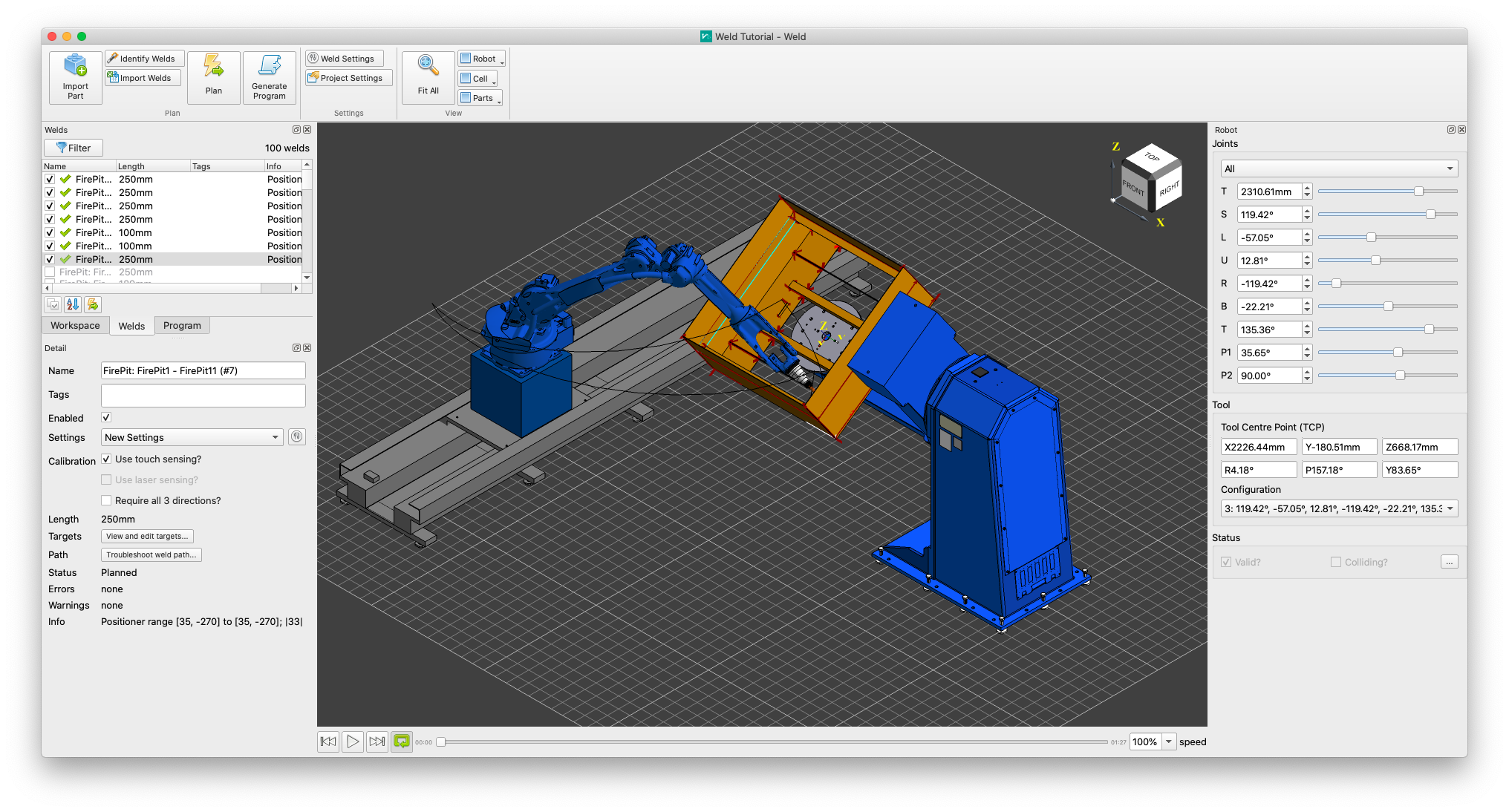
AutoaWeld is a desktop application automatically program your welding robot directly from CAD part models. It uses advanced algorithms to simplify robotic programming, even for complex parts. Learn how to use AutoaWeld to more effectively program your welding robot with these tutorials and detailed references.
Downloads
Download a free trial version of AutoaWeld. The trial version is fully featured except for the ability to generate robot code. Once you have downloaded the installer, follow the installation prompts to install AutoaWeld on your computer.
In addition to the software, you will also need a workcell model and example workpiece. You can download example workcells from our website.
Getting Started
To get started with AutoaWeld, follow our installation and getting started tutorial to set up AutoaWeld and use it to plan a simple example part.
Detailed References
More detailed topic references are available in the Reference section for end users. Reference documentation for system integrators and robot setup can be found in the Integrators section.
Release of AutoaWeld 2026
The release of AutoaWeld 2026 introduced many new features and improvements. The full list of new features and changes is available at the Latest Features page.
Licensing
Learn more about AutoaWeld and used open-source components Licensing,
Questions
If you have any feedback or suggestions for the documentation, or any other enquiries, please get in contact with us.